
1. Connect Data
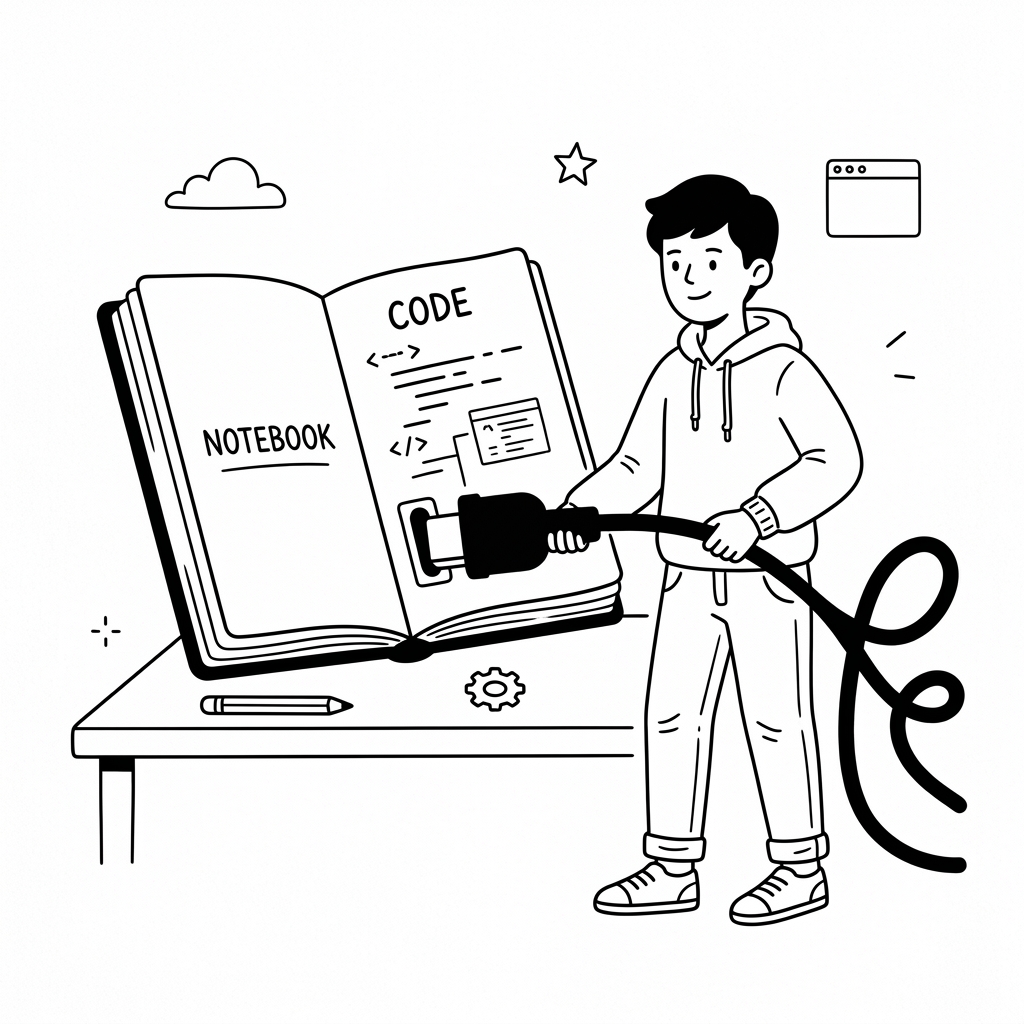
Configure your own Notion API key to establish a direct link. You maintain full control over your data endpoints and integration security.
✨ AI-Powered Workspace Layer
Keep utilizing Notion for what it's best at: storing structured data. Then use natural language AI to customize a flawless interface built around your workflow.
Connect your existing Notion database—no data migration required.
Tell the AI exactly how you want your operations to look and work.
Configure your own Notion API key to establish a direct link. You maintain full control over your data endpoints and integration security.
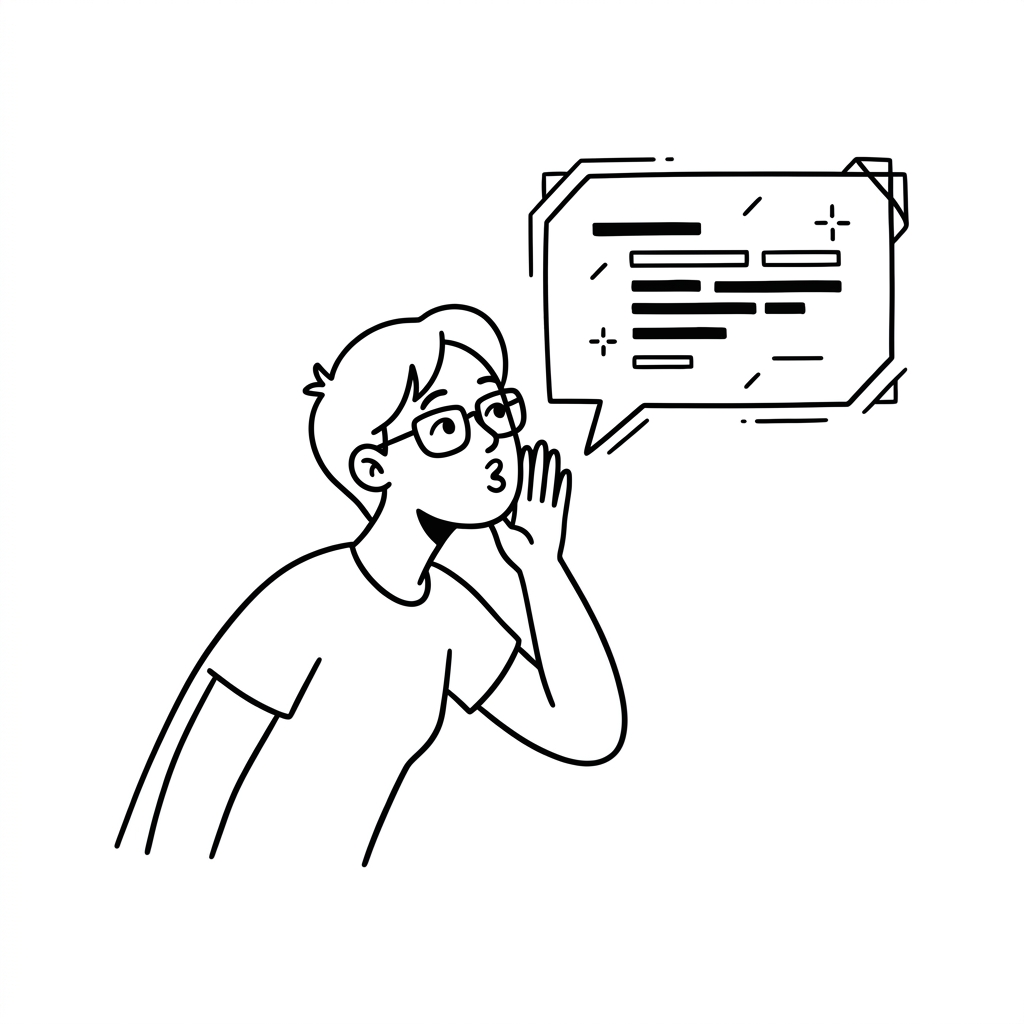
Just explain what layout and workflows you need. AI handles the complexity of organizing your UI from the Notion schema.
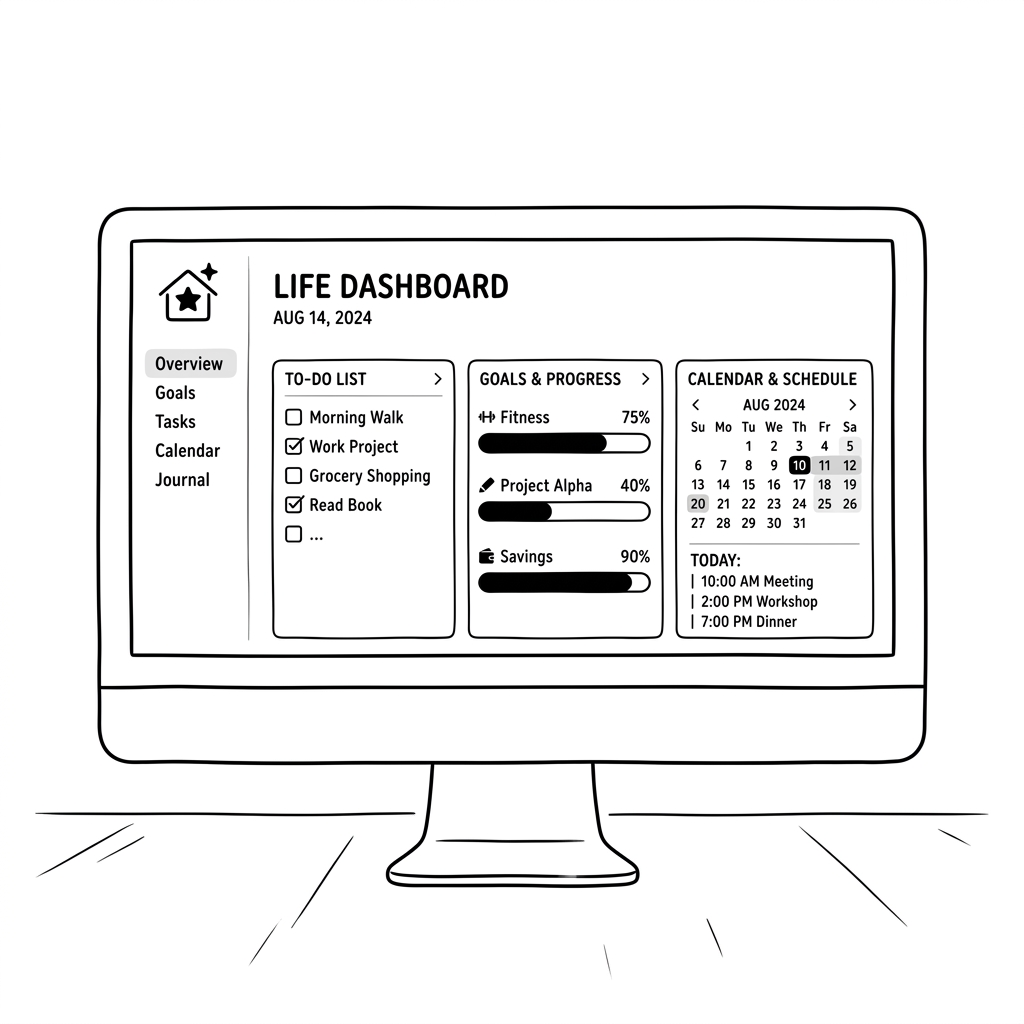
Receive a clear, focused environment designed precisely for what you track daily, without the standard block-editor noise.
The Notion marketplace has over 30,000 templates (Life Management, CRMs, GTD flows). Yet, duplicating templates forces you to adapt to rigid structures and often fragments your workspace.
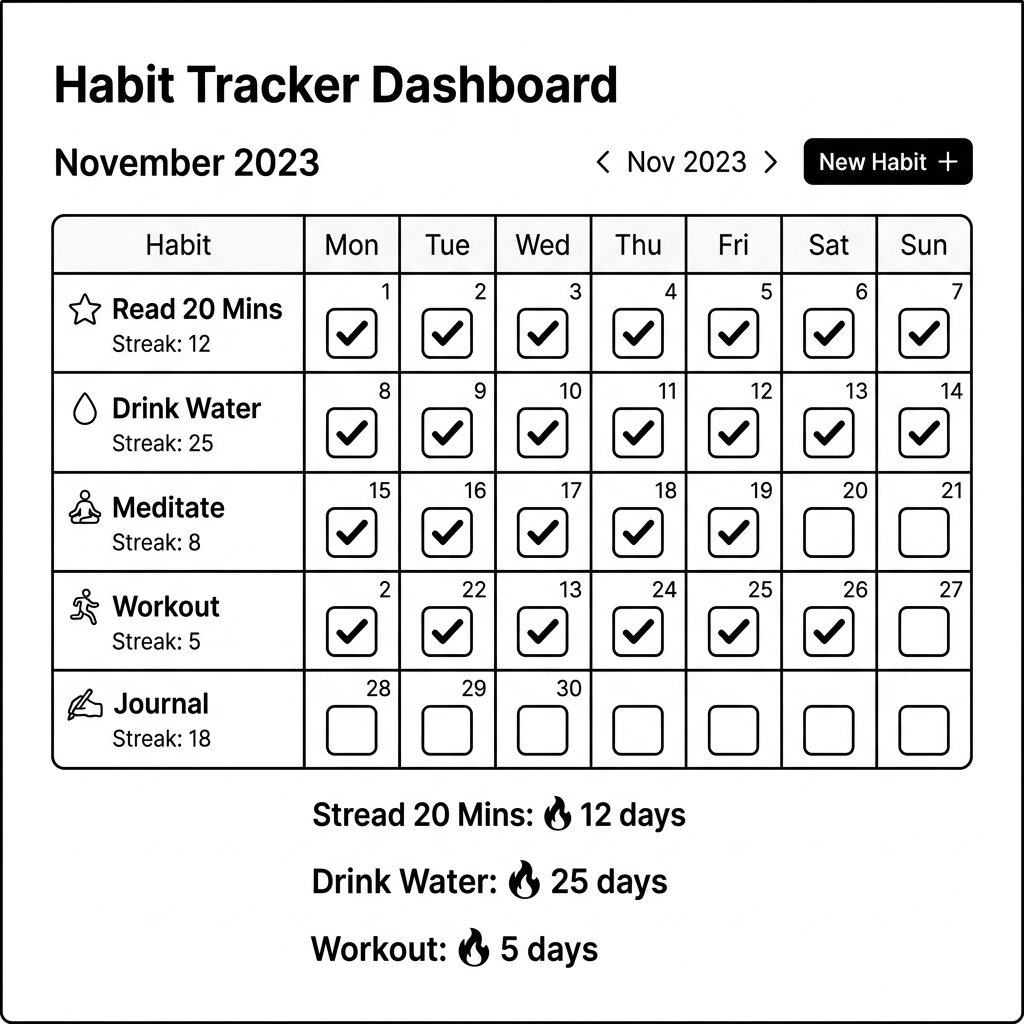
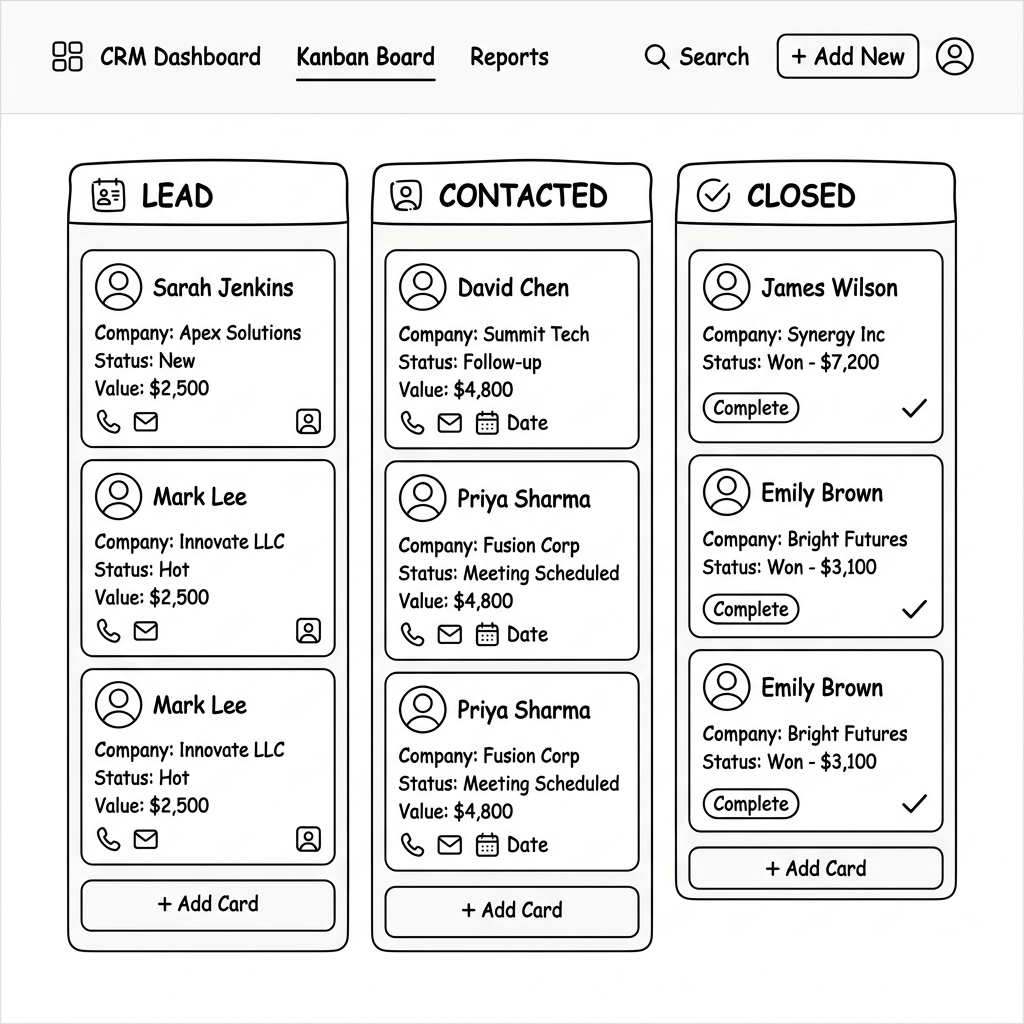
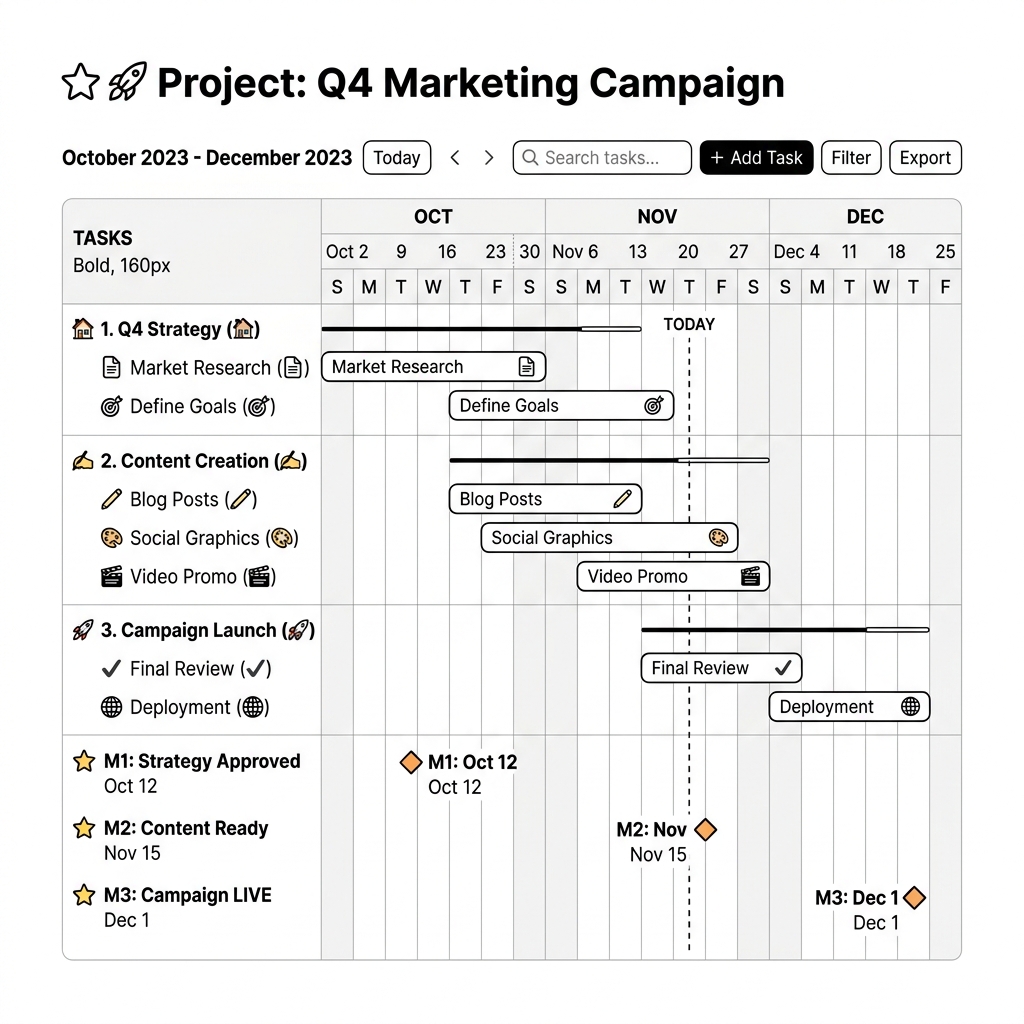
Adaptive Notion changes the paradigm: Static data, dynamically shifting interfaces. Keep one clean database, but let AI render a "Life Tracker" view in the morning, and instantly switch to a "Project Management" dashboard in the afternoon. Different scenarios, same data, infinitely adaptable screens.
It's an AI-driven service layer that connects to your Notion workspace and builds a better, personalized dashboard specifically for your operations.
No. Notion remains the backend source of truth. Adaptive Notion just provides a vastly superior surface to interact with that data.
Anyone who feels overwhelmed by maintaining a complex Notion workspace and just wants a clean dashboard to track tasks, CRM data, or personal habits without fighting the editor.
You apply for and configure your own custom Notion API Token. This means you own the connection, and your data passes directly without middleman permissions.
You'll secure an early spot. When we expand testing capacity, you will receive an invite to connect your workspace.